
ros系统21讲—前六讲
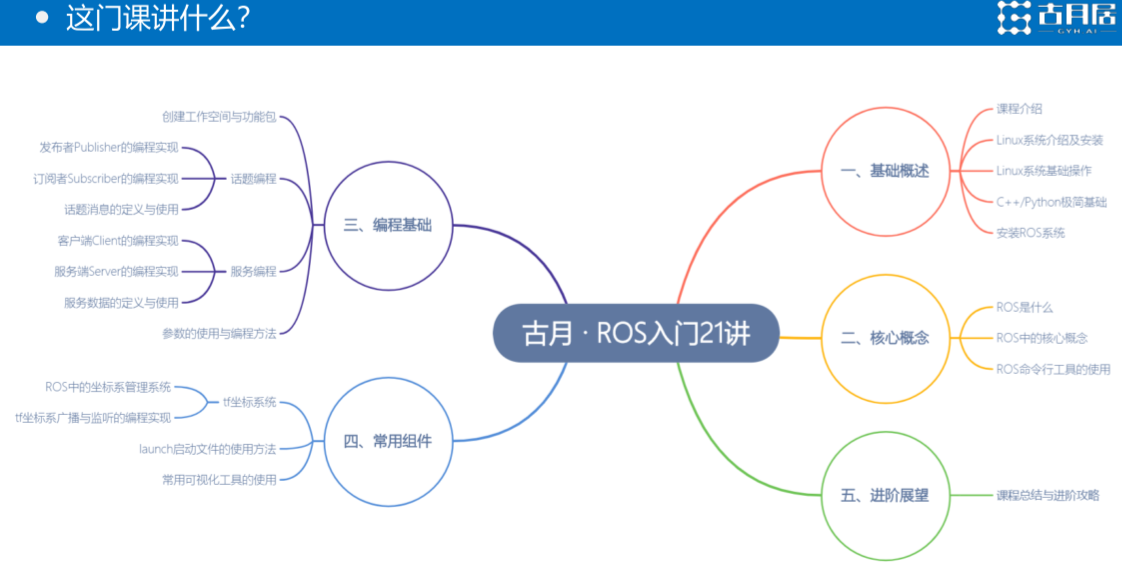
课程介绍(第一讲)
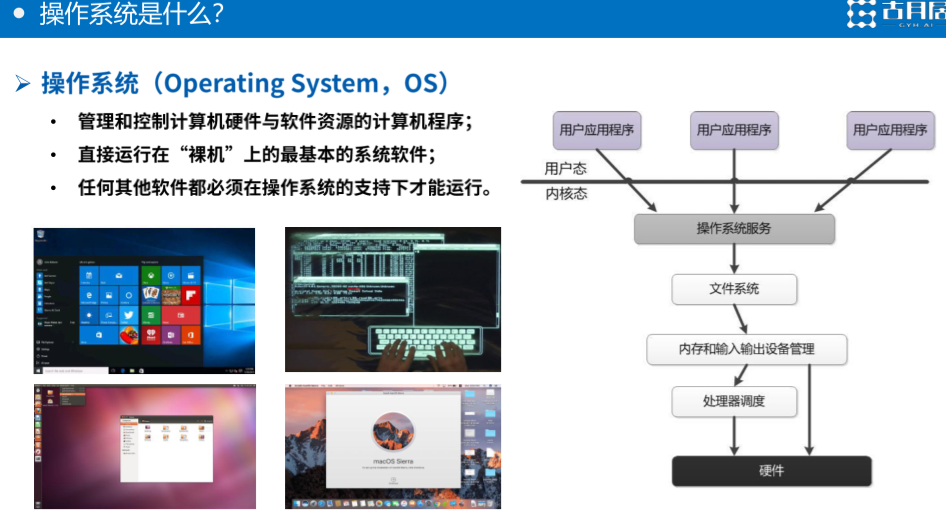
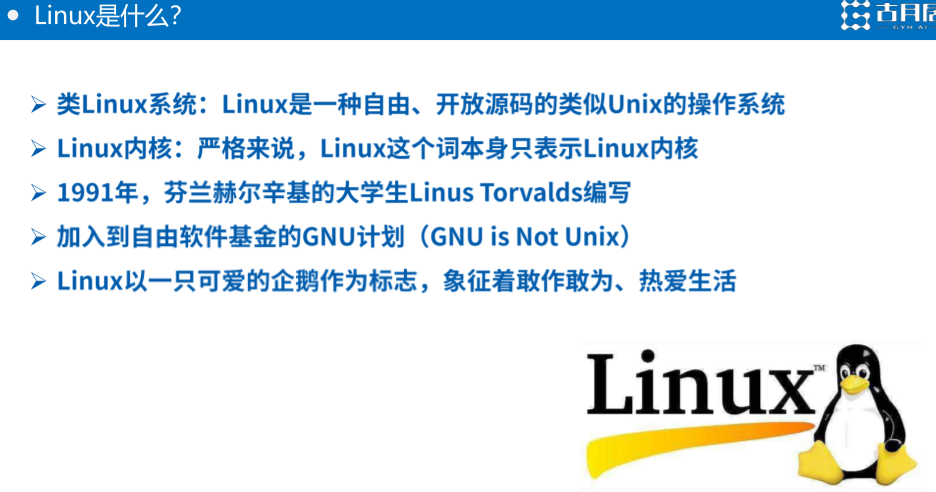
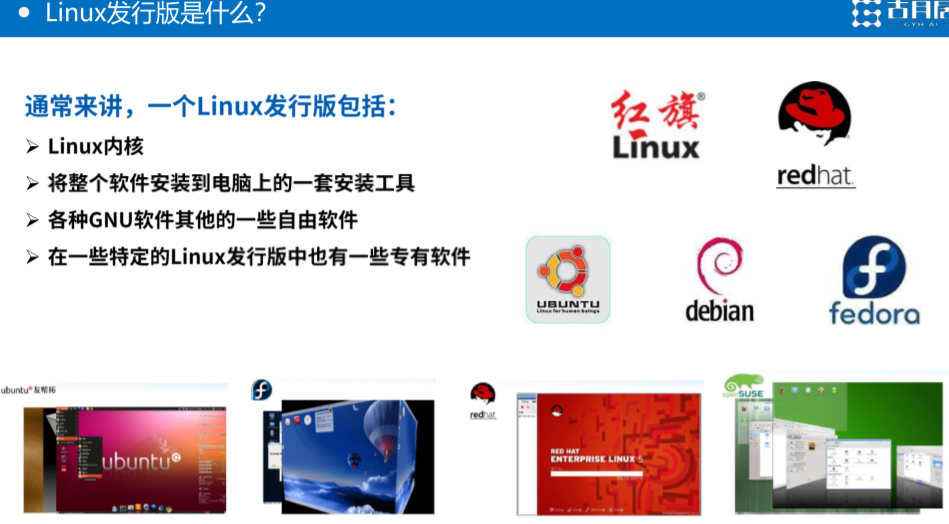
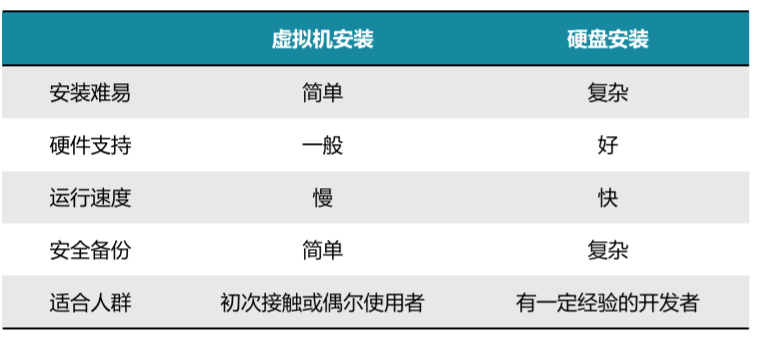
linux介绍安装(第二讲)


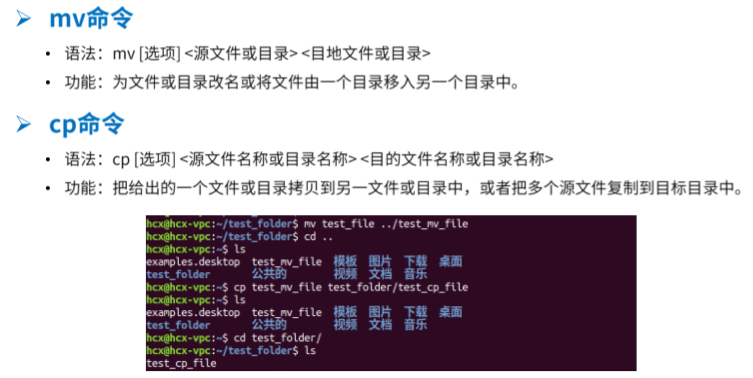
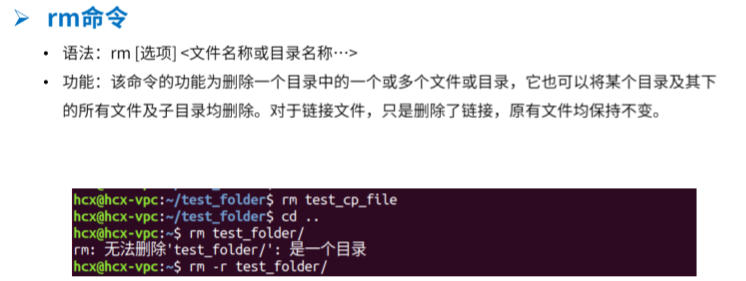
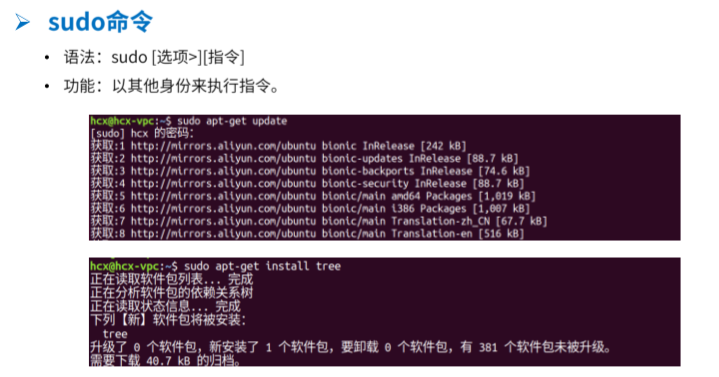
linux的基础操作(第三讲)


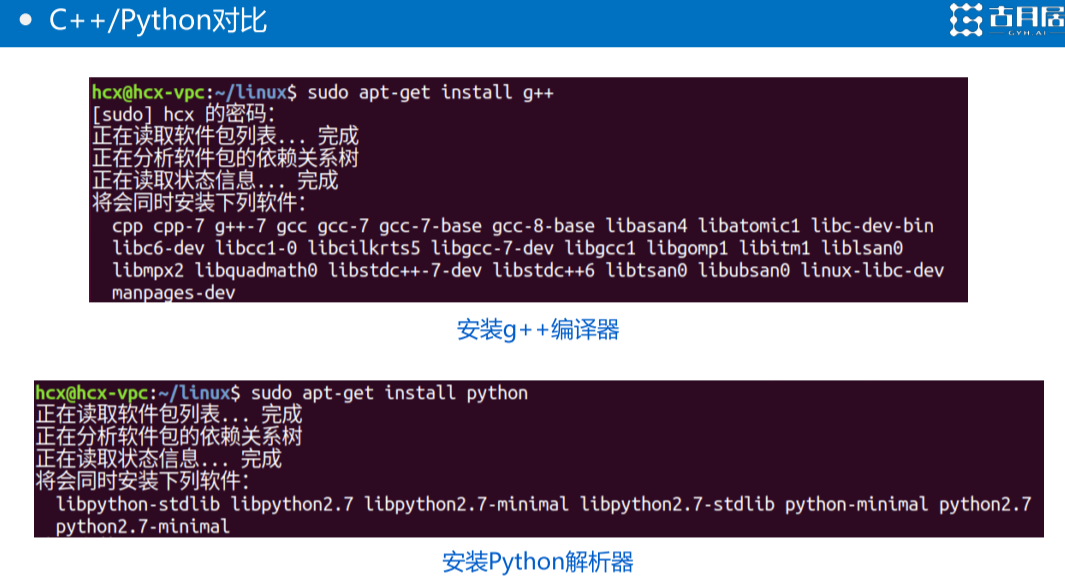
ROS中语言c++与python介绍(第四讲)

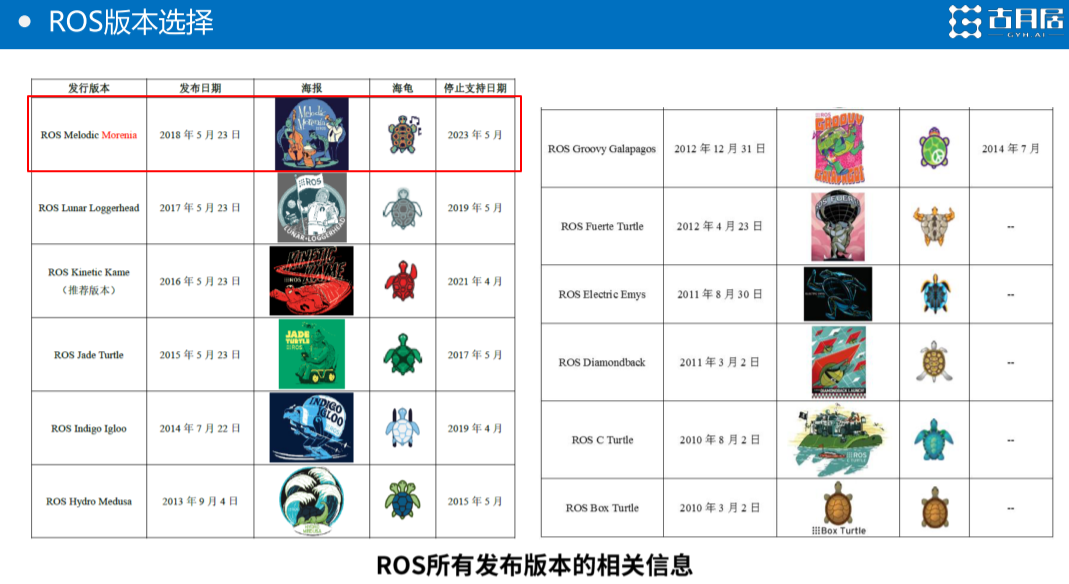
安装ROS系统(第五讲)
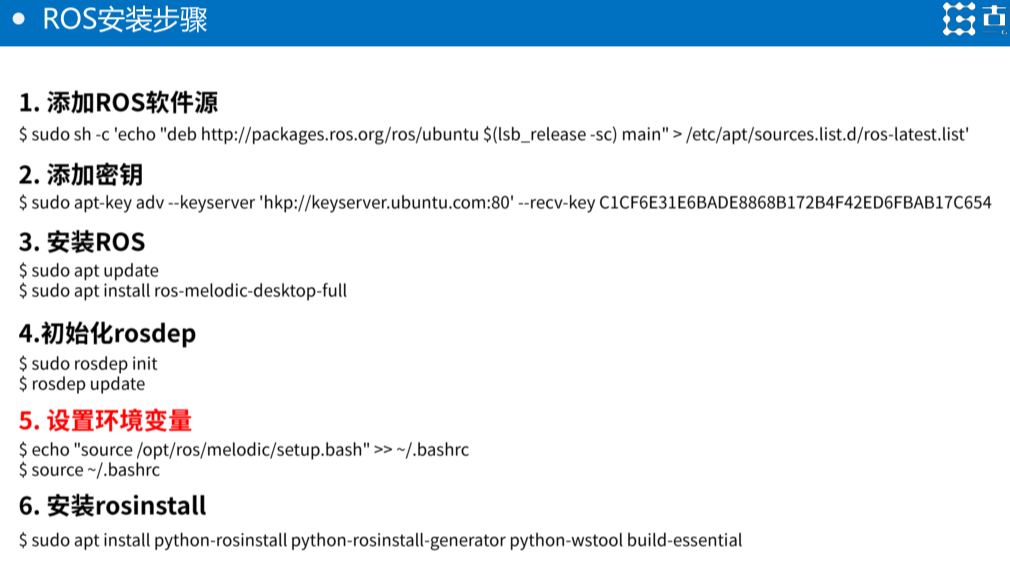
第一个:
sudo sh -c echo deb http://packages.ros.org/ros/ubuntu $(lsb_release -sc) main /etc/apt/sources.list.d/ros-latest.list
第二个:
sudo apt-key adv --keyserver hkp://keyserver.ubuntu.com:80 --recv-key C1CF6E31E6BADE8868B172B4F42ED6FBAB17C654
第三个:
sudo apt update
sudo apt install ros-melodic-desktop-full
第四个:
sudo rosdep init
rosdep update
如果失败:
- 问题一:sudo:rosdep:command not found
解决方法 sudo apt install python-rosdep
- 问题二:
ERROR: cannot download default sources list from:
https://raw.githubusercontent.com/ros/rosdistro/master/rosdep/sources.list.d/20-default.list
Website may be down.
解决方法:
#打开hosts文件
sudo gedit /etc/hosts
#在文件末尾添加
151.101.84.133 raw.githubusercontent.com
#保存后退出再尝试
来自:https://blog.csdn.net/u013468614/article/details/102917569
第五个:
echo source /opt/ros/melodic/setup.bash >> ~/.bashrc
source ~/.bashrc
最后一个:
sudo apt install python-rosinstall python-rosinstall-generator python-wstool build-essential

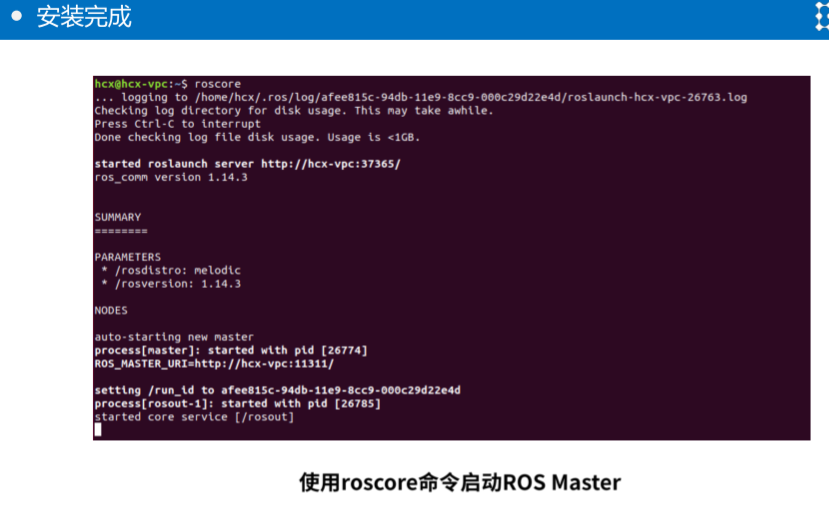
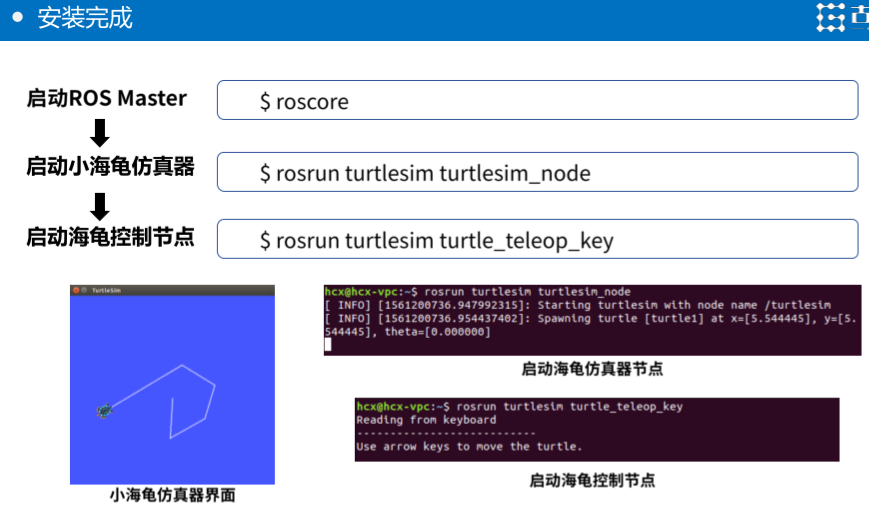
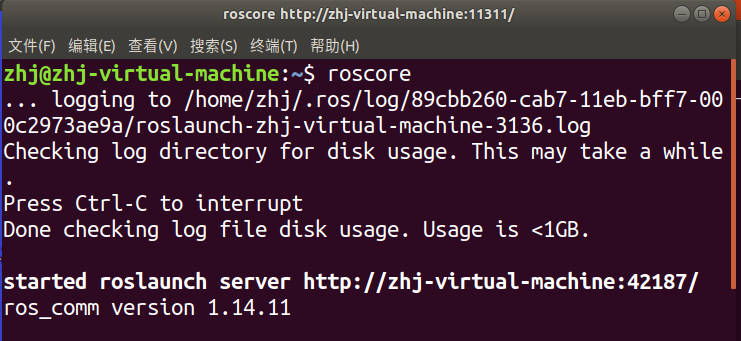
roscore
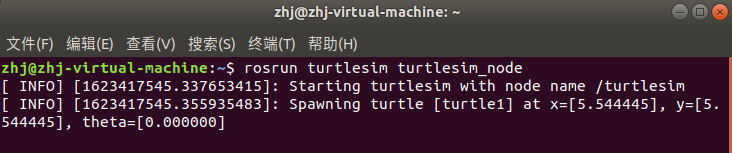
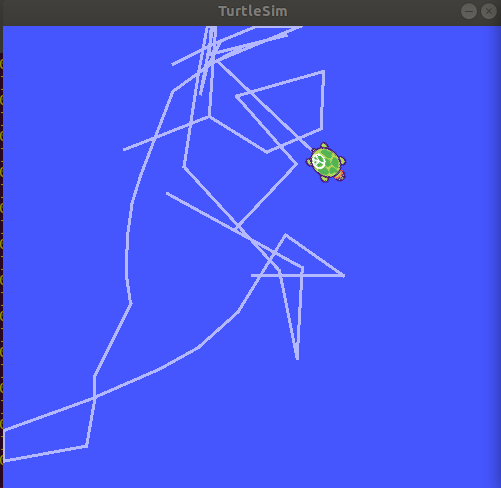
rosrun turtlesim turtlesim_node
rosrun turtlesim turtle_teleop_key
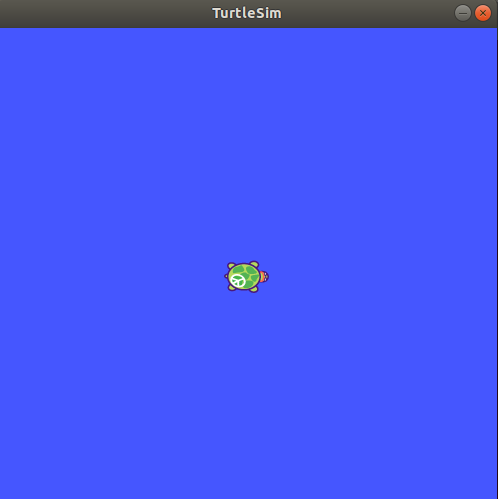

在这个终端界面下,按键盘上的上下左右键可以控制乌龟的移动,按住键盘一顿操作后
ROS是什么(第六讲)




 浙公网安备 33010602011771号