

解决Selenium报错:ChromeDriver与Chrome浏览器版本不匹配
问题:
selenium.common.exceptions.SessionNotCreatedException: Message: session not created: This version of ChromeDriver only supports Chrome version 136
Current browser version is 139.0.7258.140 with binary path C:\Program Files\Google\Chrome\Application\chrome.exe
解决办法:
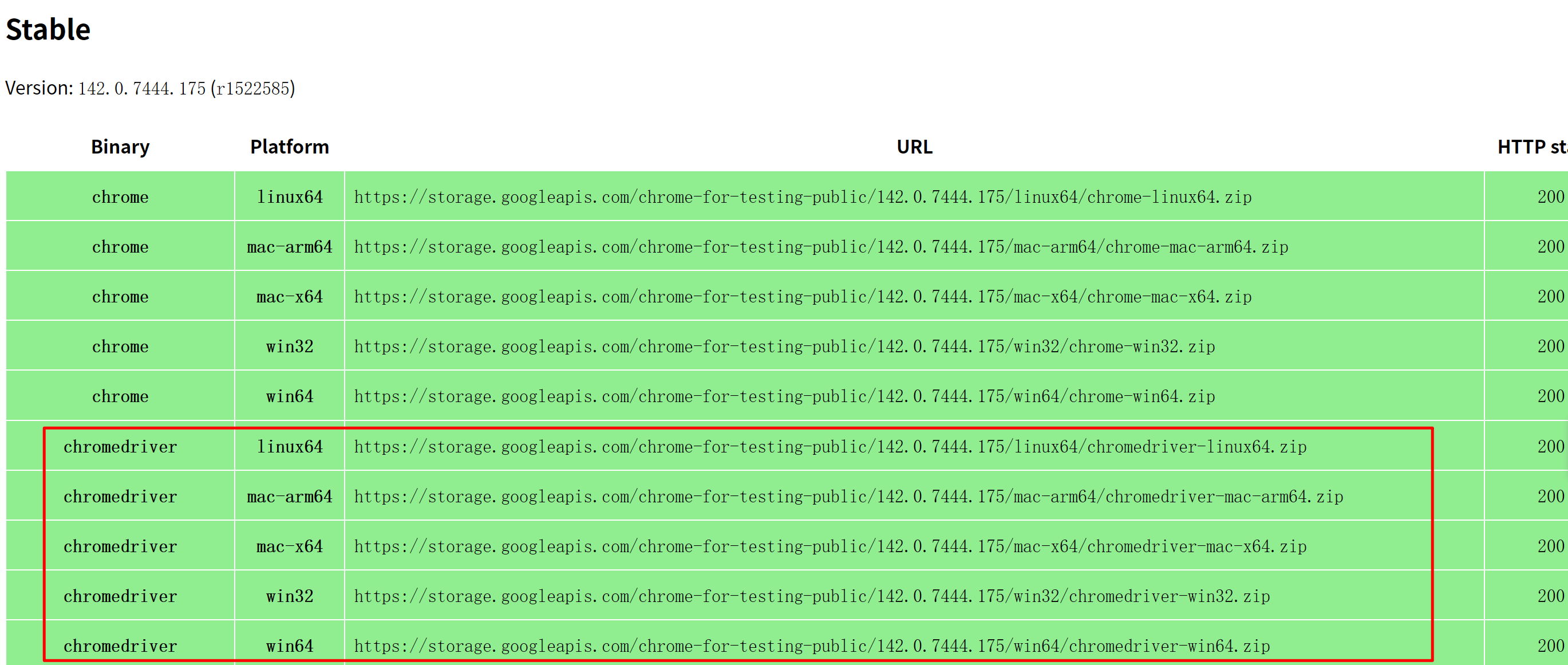
在https://googlechromelabs.github.io/chrome-for-testing/能够下载最新的驱动程序,直接去该网站,找到目前与自己电脑谷歌浏览器相匹配的版本,然后将下载下来的chromedriver.exe放置在python安装目录下,问题解决。

 浙公网安备 33010602011771号