
intellij idea 中右键项目没有git
1.没有GIT选项说明还没有关联你的仓库
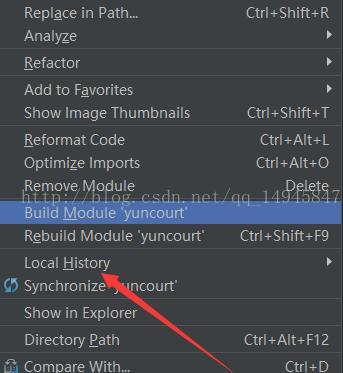
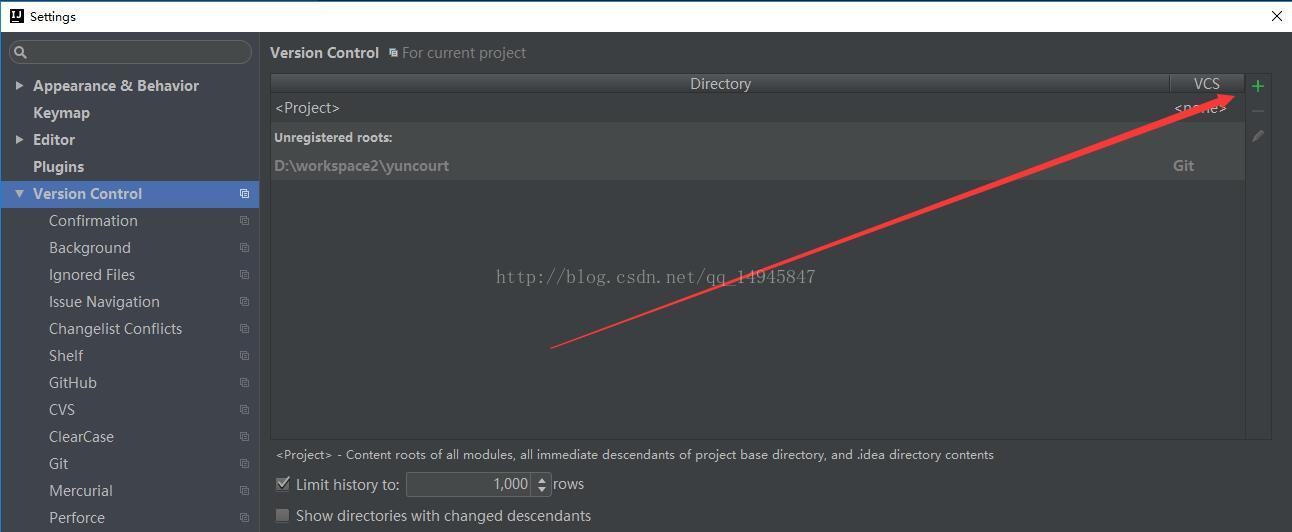
2.ctrl + alt +s 打开VersionControl添加git仓库
3.添加后再次查看,GIT就出现了
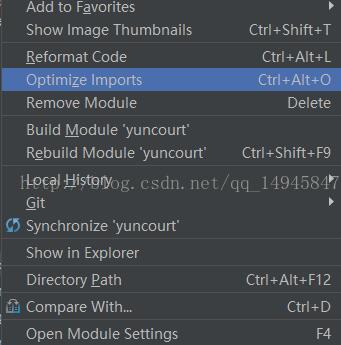
4.可以查看历史版本了。
原文地址:https://blog.csdn.net/Maxiao1204/article/details/85333501
1.没有GIT选项说明还没有关联你的仓库
2.ctrl + alt +s 打开VersionControl添加git仓库
3.添加后再次查看,GIT就出现了
4.可以查看历史版本了。
原文地址:https://blog.csdn.net/Maxiao1204/article/details/85333501
 浙公网安备 33010602011771号