
Pycharm 2021.3集成码云gitee git
PyCharm 默认已经安装了以下功能(Git, GitHub):
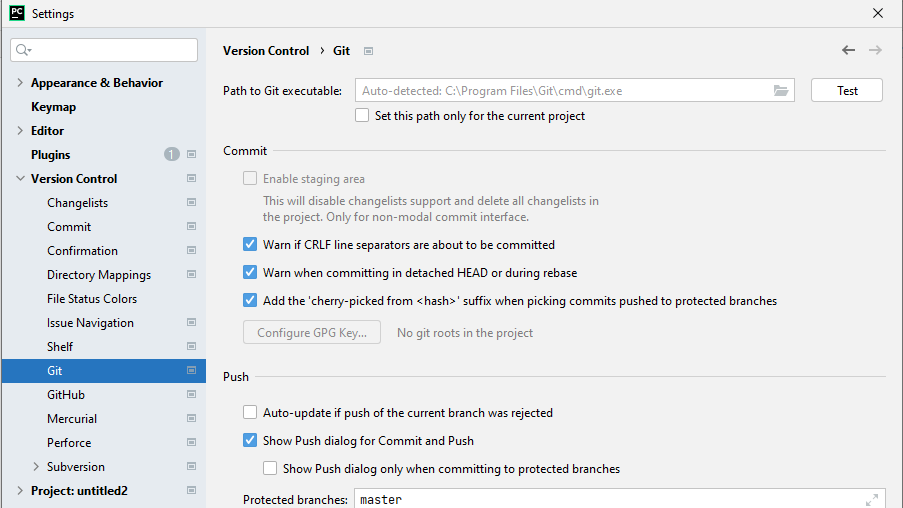
PyCharm 默认 VCS 菜单
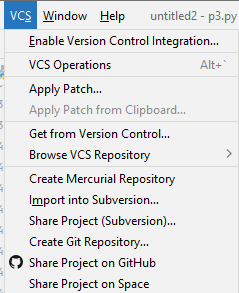
安装gitee的步骤如下:
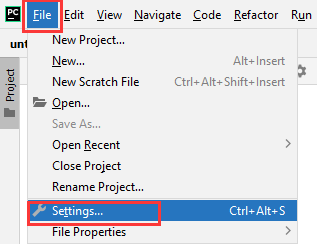
Settings -- Plugins -- Marketplace -- gitee -- install
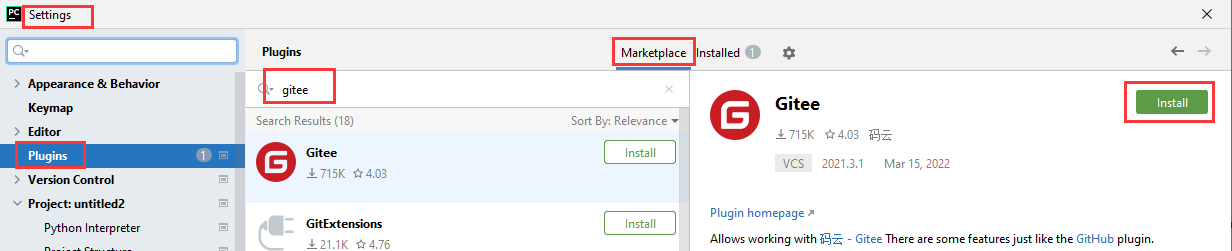
重新启动 pycharm 2021.3
【安装 gitee 插件之后,settings 重启,gitee 没有了,不成功????】
最简洁的做法【可行】:
安装git之后, 用git bash把项目clone到本地,然后用pycharm打开即可。
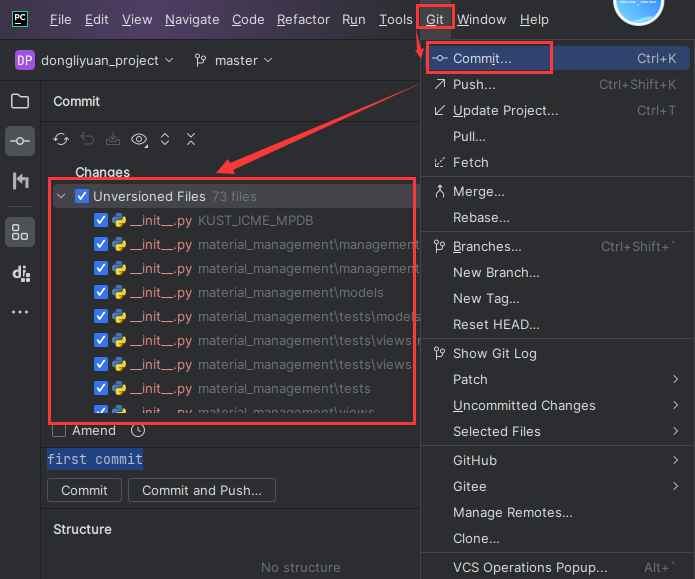
===============================================
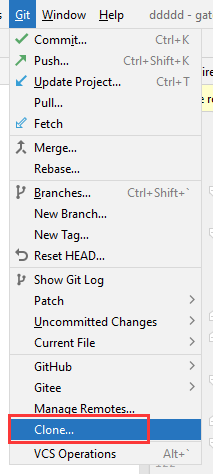
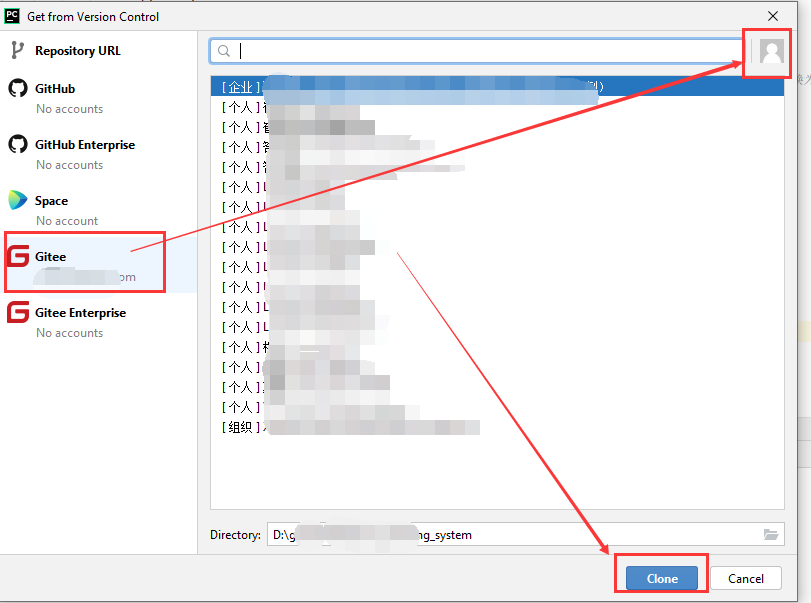
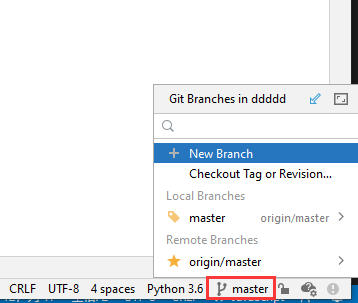
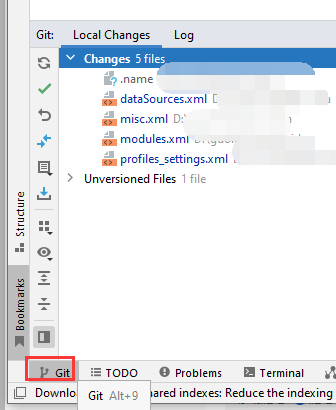
===============================================
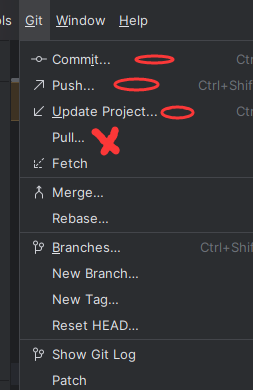
pycharm 漏掉网上一些提交
https://gitee.com/ 某个提交,无法同步到本地
===============================================
pycharm 配置 ignore
pycharm插件库出了.ignore插件
https://chuna2.787528.xyz/manshuoli/p/13724290.html
Pycharm-->File-->Settings-->Plugins-->搜索ignore-->点击安装-->重启Pycharm
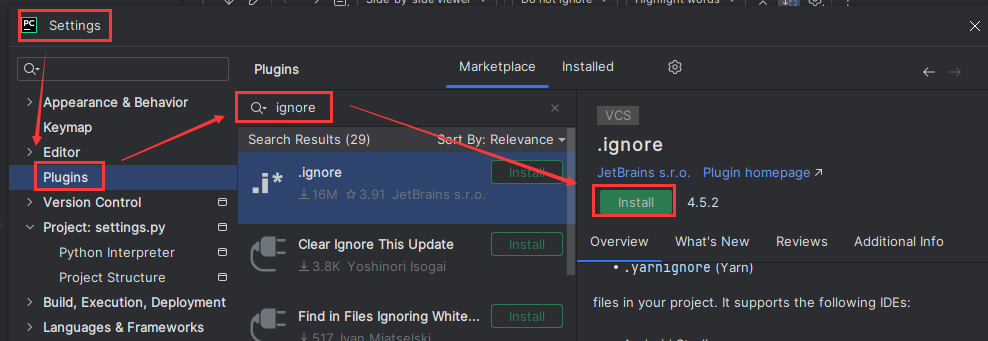
使用ignore:
项目-->右键-->New-->.ignore file-->.gitignore file(Git)
===============================================
===============================================

 浙公网安备 33010602011771号